Moving and Deleting Matches
From the matches list, you can move a match to a different period, or delete it entirely.
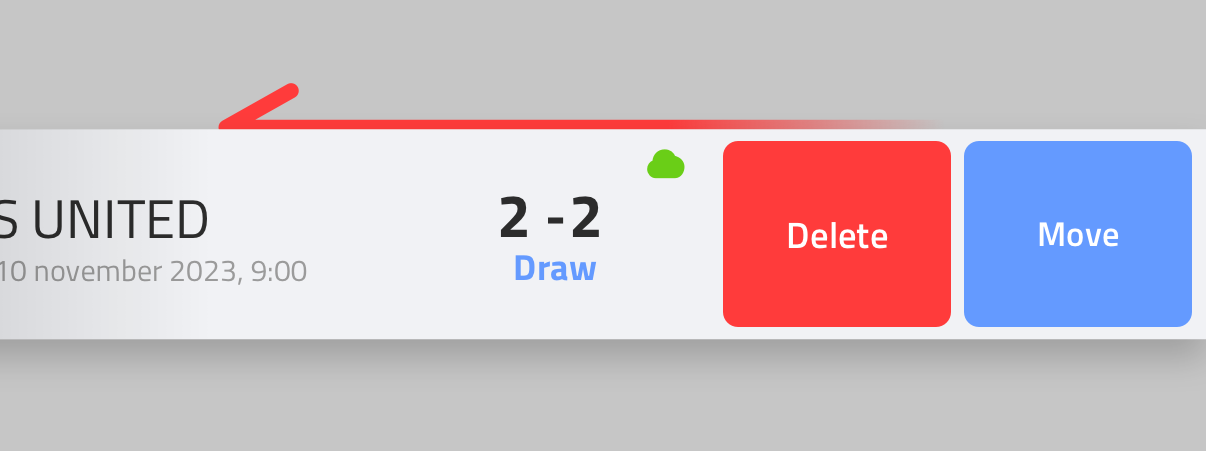
Moving a match
Swipe a match in the list to reveal Move. Tap it to open Move to period, then select the period you want to move the match to.
Deleting a match
Swipe a match in the list to reveal Delete. Tap it, then confirm with Delete in the "Do you really want to remove this match?" dialog.
This permanently removes the match and its data. This cannot be undone.