Statistics
Coach Amigo automatically generates statistics from every match you track.
Accessing statistics
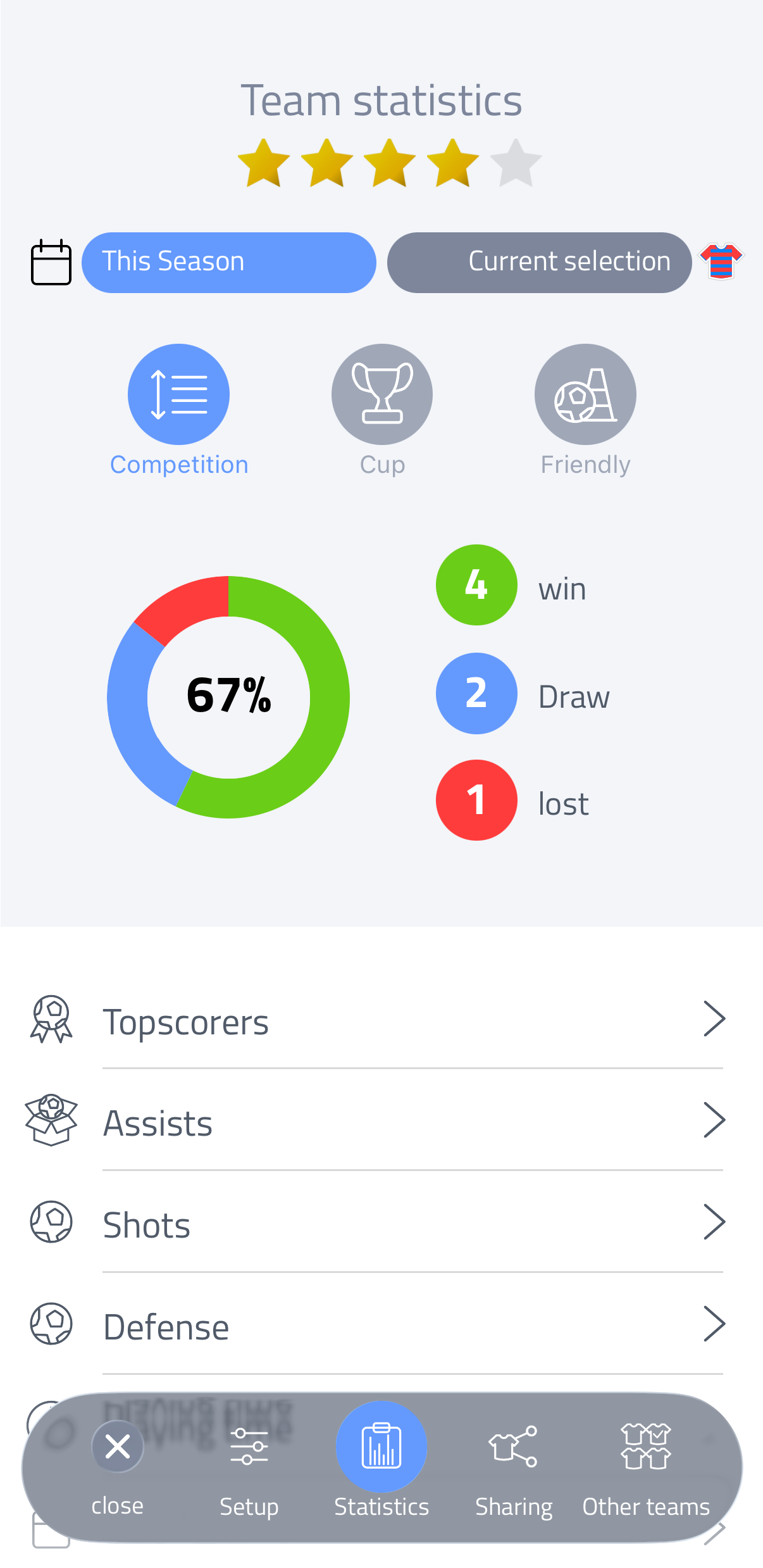
Go to team and tap Statistics in the bottom navigation. Once you've played matches, the overview and all categories become available.
Filtering by match type
At the top of the screen, tap Competition, Cup or Friendly to include or exclude that match type from the statistics shown.
This match type selection is also available in the top right corner of every category screen.
Selecting periods
Tap the period selector in the top left (for example "Season Name") to choose which period or periods to include. You can select one or multiple periods to combine their data, then confirm with the green checkmark.
Selecting a player collection
Tap the selector next to it, in the top right, to choose which player collection is used for the statistics - your current team selection, or a saved collection.
Team overview
The overview shows:
- The team's average rating
- A win/draw/loss donut chart with points won percentage
- Goals per match, for and against (scroll down)
- Match form: your results in recent matches, with a trend graph (scroll down)
Statistics categories
Below the overview, tap a category to see the details:
- Topscorers
- Assists
- Shots
- Defense
- Playing time
- Match events
- Player stats
- Ratings
Each category reflects the match types, periods and player collection you've selected above.
Within a category, sections such as "Goals by type" or "All events" can be expanded or collapsed by tapping their header, to show or hide further detail.
Playing time
Toggle between Percentage and Minutes to see, for each player, how their total time breaks down into played, substitute and absent.
Tap Played, Substitute or Absent at the top to show or hide that part in the overview.
Above the list, switch between sorting by playing time or alphabetically.
Player stats
This category lists every player with their matches, cards, assists, goals and total minutes played.
Tap a player to open a detailed breakdown: their rating, a playing time split (played/substitute/absent), a goals/assists/shots comparison, and a full list of all recorded events for that player.