Setting Up Subs Management
Substitution management lets you plan exactly which players are on the pitch at any moment during a match. Instead of making decisions on the fly, you divide the match into player blocks and assign players to each block before kick-off.
Enabling substitution management
You can enable substitution management in three places:
- In Team Setup to use it as the default for all new matches
- When creating a new match, in the match settings step
- When opening an existing match, via the Setup tab
Setting the number of player blocks
When you enable substitution management, set the amount of player blocks per match part. A player block is a period during which a specific group of players is on the pitch.
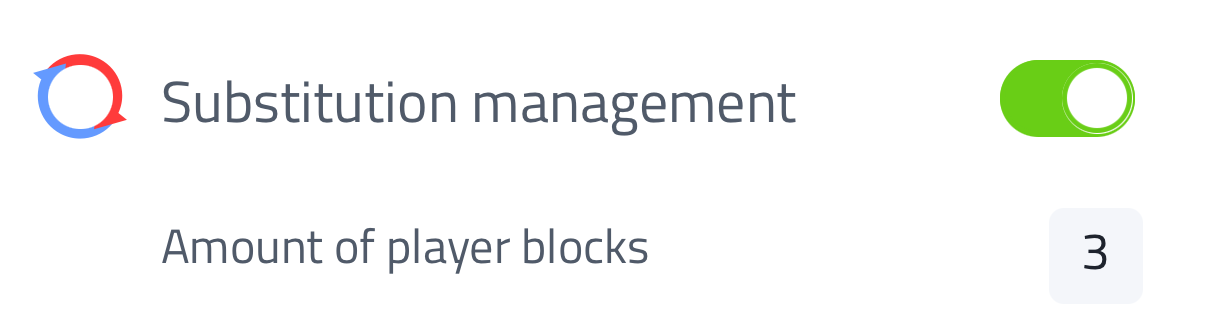
Tap Amount of player blocks to choose how many blocks to use:
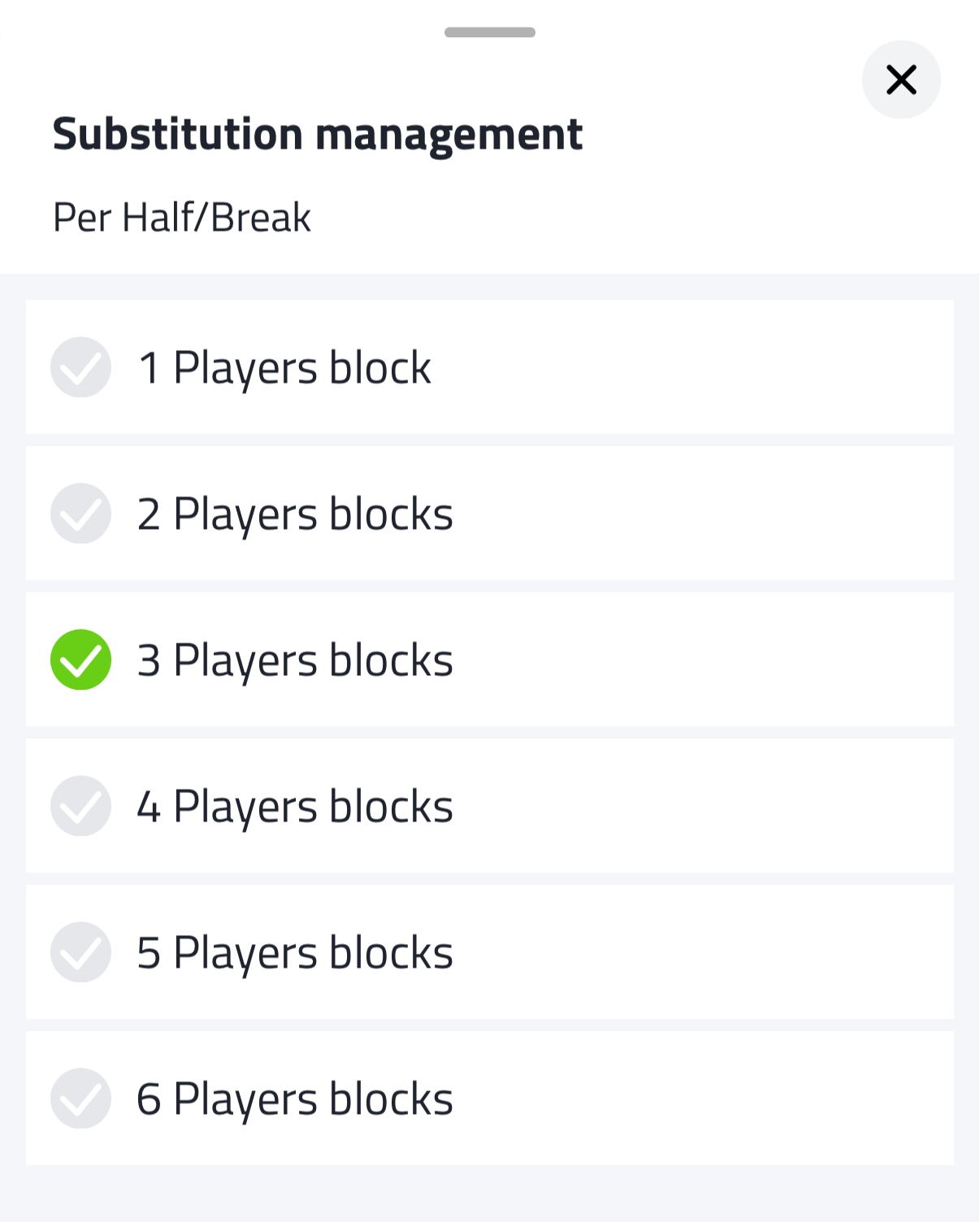
The number of blocks you set applies per match part. For example, 4 blocks with 2 match parts gives you 8 blocks in total. In an 80-minute match (2 x 40') that means 10 minutes per block. With 3 blocks and 4 match parts you get 12 blocks in total - in a 60-minute match that's 5 minutes per block.
Once enabled, the Lineup tab is replaced by the Scheme tab. See Setting Up a Match with Subs Management for how to fill it in.