Periods: Creating and Using Them
Periods help you organise matches in groups - typically per season or tournament. They determine which matches are shown by default and which statistics you see.
What is a period?
A period is a container for matches. When you activate a period, new matches are added to it and statistics default to that period's data. Think of it as a folder for a season or a tournament.
Creating a period
- Go to team > Setup and tap Periods
- Tap the + button in the top right
- Give it a name under Period label (e.g. "Season Name/Year" or "Summer Tournament")
- Optionally, tap Players collection to link a player collection to this period - by default it's set to your current team selection
- Confirm with the checkmark
Linking a player collection to a period is especially useful for past seasons. Create a collection that matches your squad from that time and link it to the period - whenever you open it, your statistics automatically reflect the right players.
Activating a period
A new period isn't activated automatically when you create it. The active period determines which matches new entries are added to, and which statistics are shown by default.
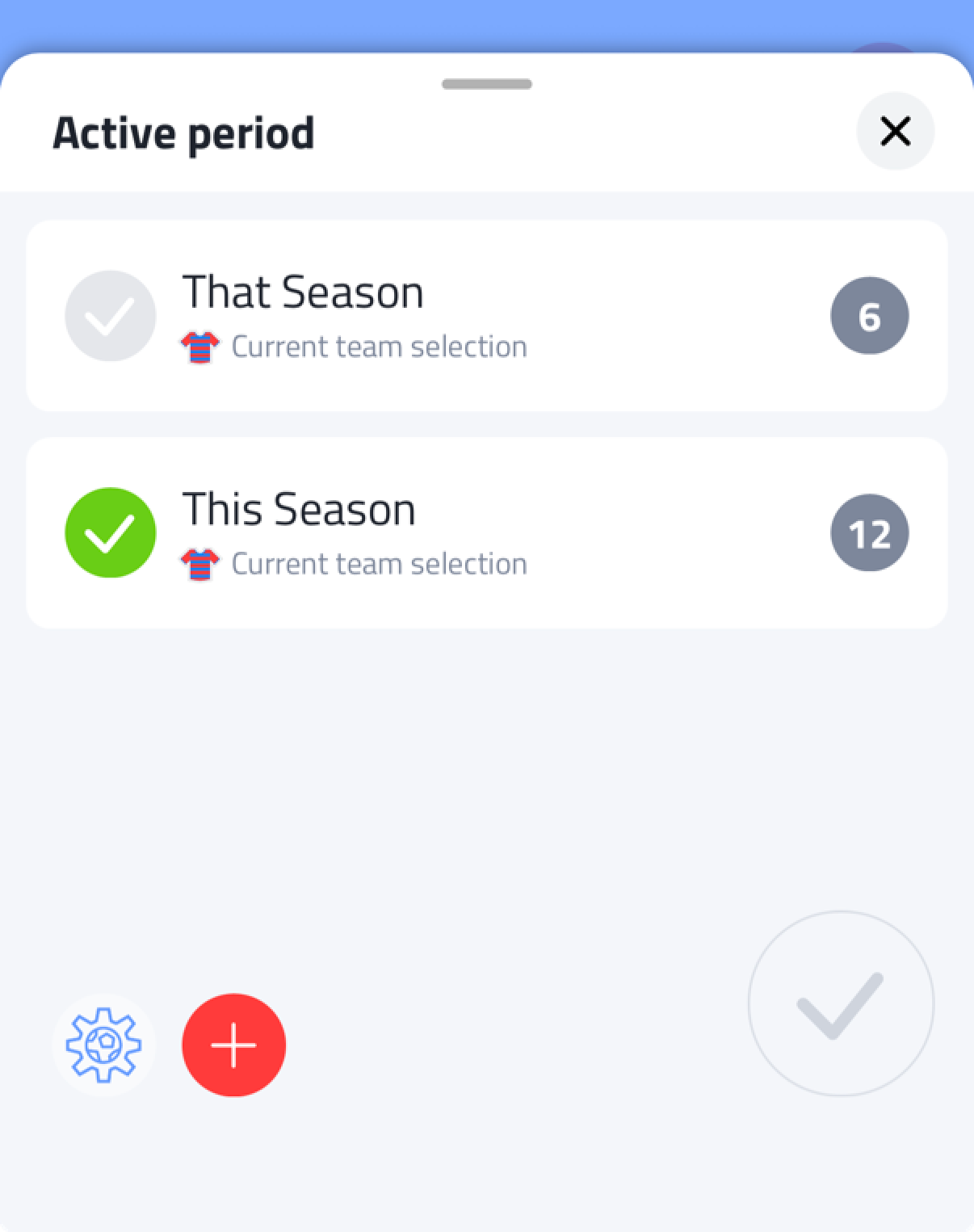
To switch the active period, tap the period name in the top left, next to the calendar icon - for example on the dashboard. This opens an Active period card listing all available periods, with the active one marked with a green checkmark. Tap a period to activate it.
You can also create a new period directly from this card, by tapping the + button.
When using multiple devices, make sure to activate the same period on each device. See Using Multiple Devices.
Filtering statistics by period
In the statistics view you can select one or multiple periods to determine which data is shown. Select a single period to view its data on its own. Select multiple periods to combine their data into one view.