Subs Management During the Match
If you've prepared a substitution scheme for the match, Coach Amigo guides you through the planned changes as the match progresses.
The Substitutions tab
Once a match has a substitution scheme, an extra tab appears in the bottom navigation: Substitutions.
Coach moment
As a planned substitution moment approaches, Coach Amigo gives you two visual cues:
- 30 seconds before: a rotating arrow appears around the players involved, on the formation view
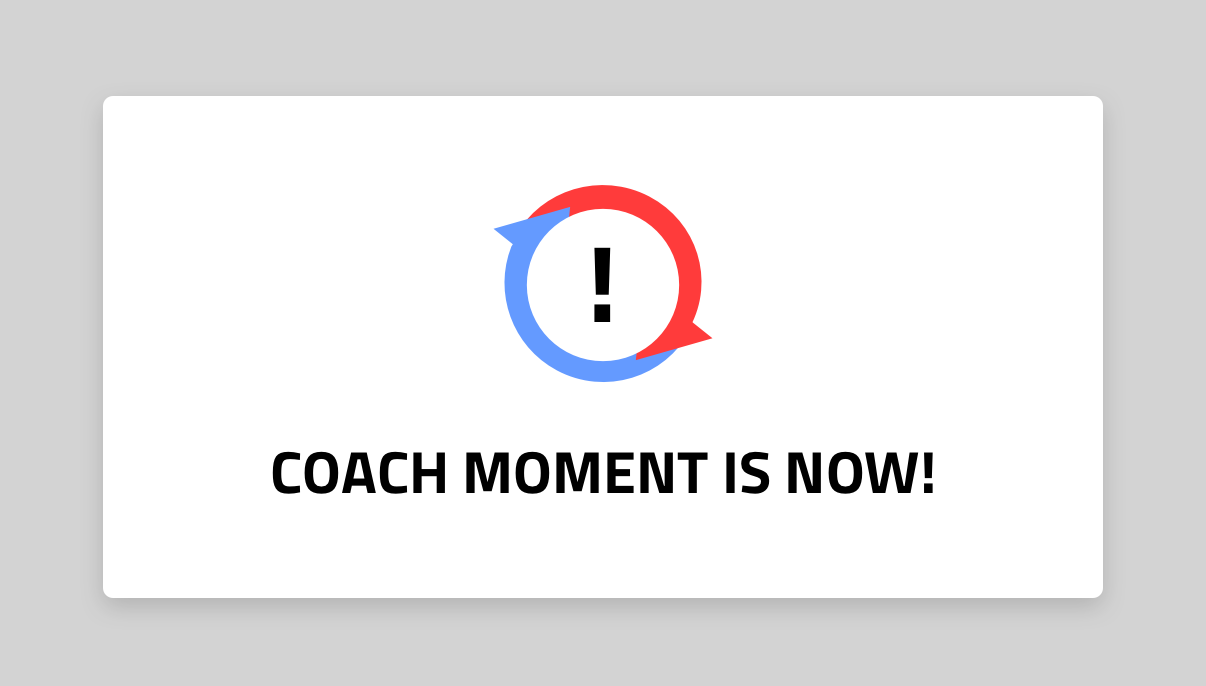
- At the planned moment: a "Coach moment is now!" panel appears on screen
Reviewing and applying a moment
Go to Substitutions and Coach Amigo automatically shows the card for the current moment. The card shows Players In and Players Out, along with the planned time (for example "planned from 22:30").
If needed, use the arrows to navigate to a different block and apply that one instead.
You decide whether the substitutions are actually registered:
- Tap the green checkmark - Apply substitutions in minute X' - to register them
- Or simply ignore the moment if you don't want to make the change yet
Timeline
Applied substitutions appear in the match timeline, giving you a complete record of who played when.
This directly affects each player's statistics: their total playing time and other stats are calculated based on the substitutions you actually applied.