Setting Up a New Team
You create a new team when you start with Coach Amigo, or when your team moves up an age group. If your team stays the same and you're just starting a new season, create a new period instead.
Creating a team
There are two ways to start:
- On the Dashboard, tap the + in the team bar at the top of the screen.
- Go to Team > Other teams and tap the red + button.
Both take you to the same setup flow:
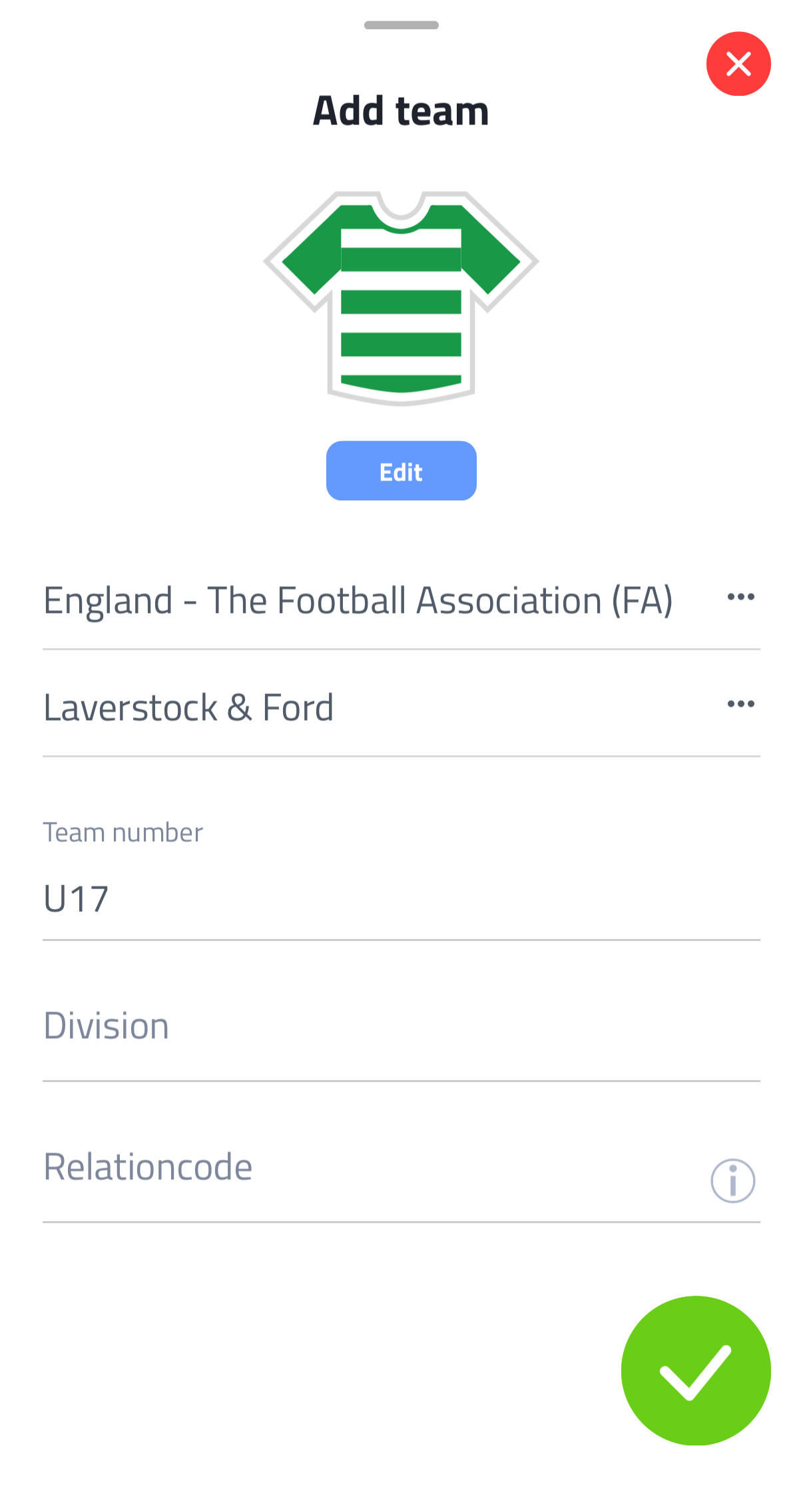
- Choose your federation (e.g. KNVB for the Netherlands).
- Select your club from the list, or type the name if it's not listed.
- Enter your team name (e.g. "Under 15s" or "First Team").
- Tap the green checkmark to confirm.
Your new team is now ready. The next step is to add players.
Team limits
With a free account, you can create up to 3 teams. As soon as at least one of your teams has a Premium license, this limit is removed entirely.
tip
Don't create a new team for each season. Instead, use Periods to organise your matches by season within the same team.
Switching between teams
If you manage multiple teams, you can switch between them in a few places:
- The team bar at the top of the Dashboard
- Team > Other teams
- Settings > Your teams