Shouts, Photos & Videos on the Livestream
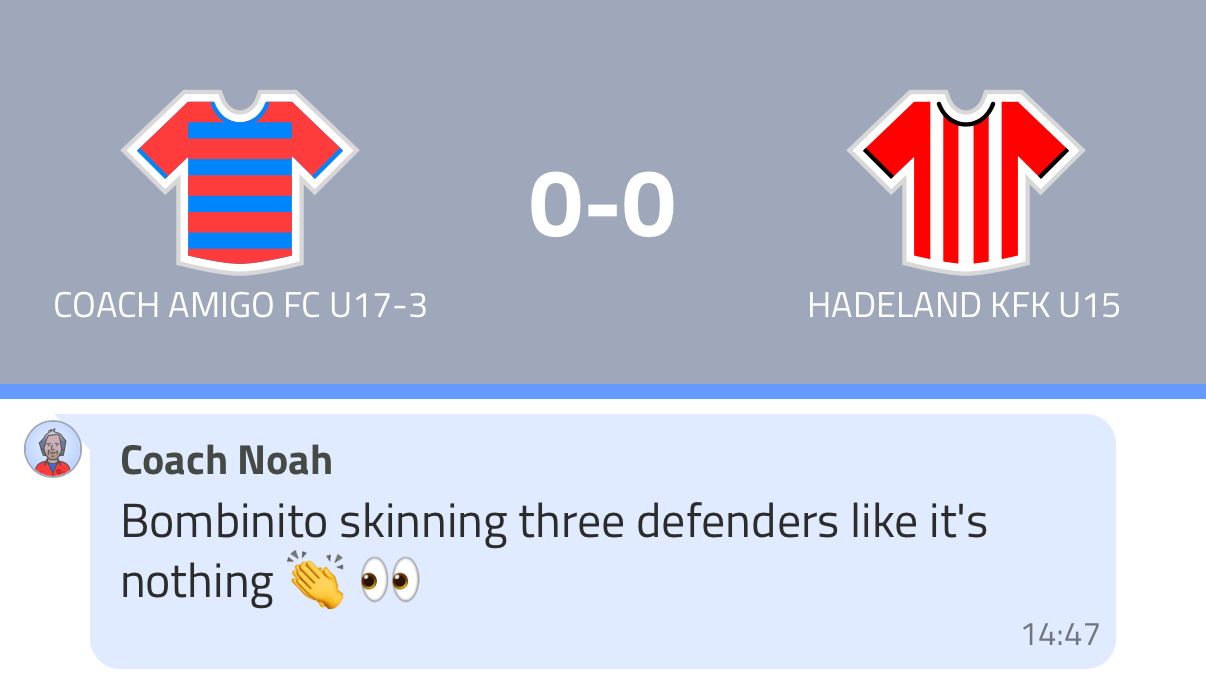
During a match you can enrich the Livestream by posting text updates, photos and videos. Fans see these alongside the live match events.
Getting to the Stream tab
- Start the match by tapping the red whistle button
- In the match bottom navigation, tap Stream
The Stream tab shows all Livestream content in chronological order.
Adding a shout
Tap the megaphone icon at the bottom right to add a Livestream note. Type your message and add emoticons if you like. The shout appears on the Livestream immediately.
Adding photos and videos
Tap the camera icon to take a photo directly or select one from your gallery. Videos can be added from your gallery only. Photos and videos appear on the Livestream for fans to view.
Make sure Show media on stream is enabled in your Livestream settings, otherwise photos and videos won't be visible to fans.
Deleting a shout, photo or video
Swipe left on any item in the Stream tab to reveal the option to delete it.
What fans see
Fans following the Livestream see shouts, photos and videos interspersed with match events (goals, chances, substitutions) on a single timeline.