Extra Time & Penalties
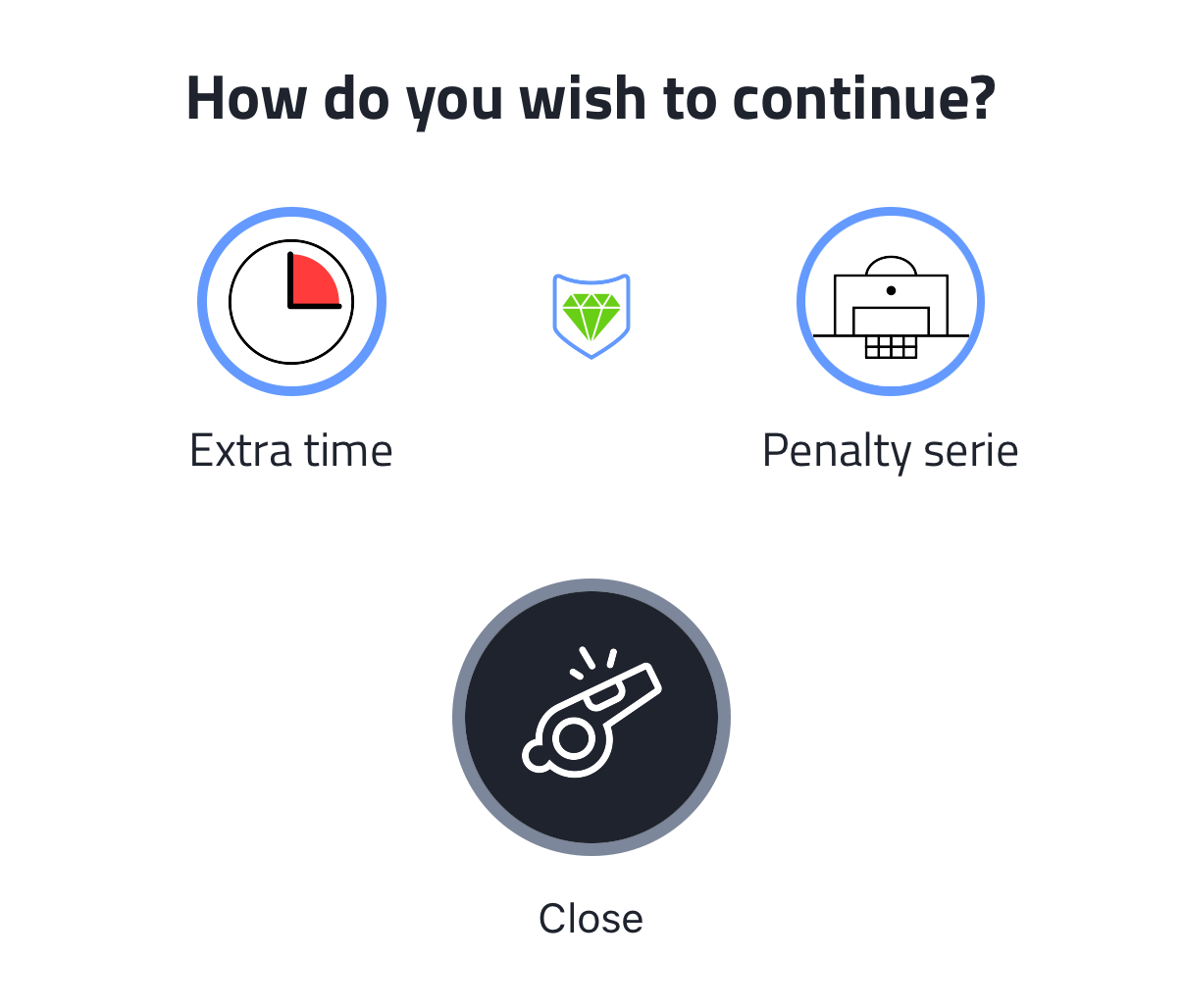
When you end a match, Coach Amigo asks How do you wish to continue? with three options:
- Extra time - add extra time to the match
- Penalty serie - start a penalty shootout
- Close - end the match as is
Extra time
Tap Extra time to continue. The panel shows "EXTRA TIME" and the clock is ready. Tap Start extra time to begin. Extra time runs freely - pause it for a break or end it when the referee blows the whistle, just like a regular match part.
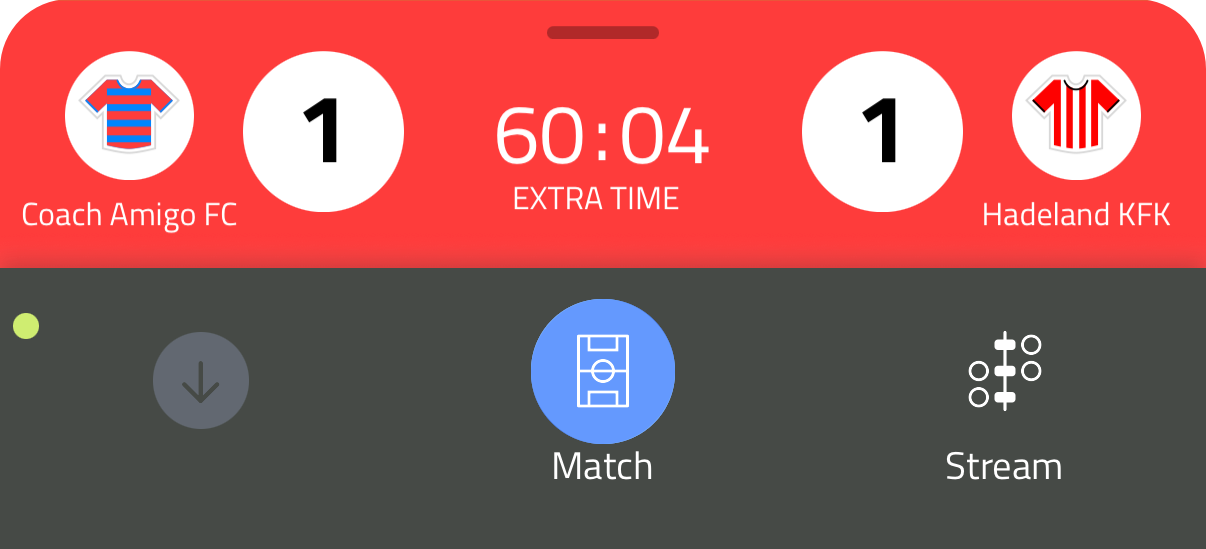
After ending extra time, the "How do you wish to continue?" screen appears again. You can now choose Penalty serie or Close.
Penalty series
Tap Penalty serie to start the shootout. The panel shows the penalty score (starting at 0-0) and a goal net view.
Use the decisive for results toggle to set whether the penalty series determines the final match result.
Recording penalties:
- Tap the score or the shirt to open the penalty recording screen
- The screen shows the player list, the goal net, and three outcome icons at the bottom: scored (green ball), missed (red ball with slash), or saved (goalkeeper gloves)
- Choose the player and select the outcome, then tap the green checkmark to save
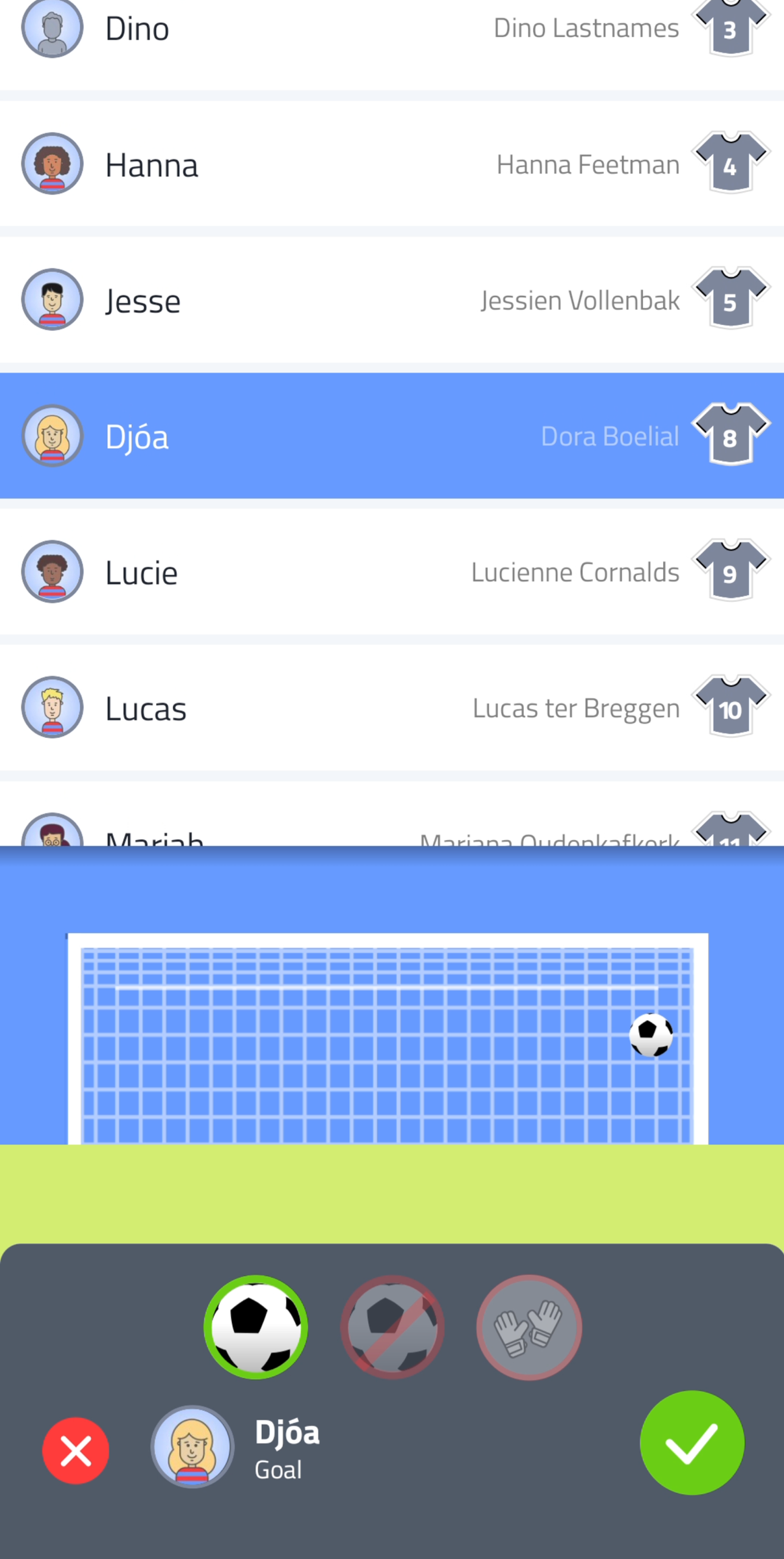
It doesn't matter which you tap first - score or shirt. The outcome defaults to scored or missed respectively, but you can always change it before saving.
Alternate between your team and the opponent to record each penalty in turn. Tap End match when the series is complete.