Adding Notes
Coach Amigo lets you add free-text notes in a few places, so you can keep track of extra information alongside your players and matches.
Notes on a player
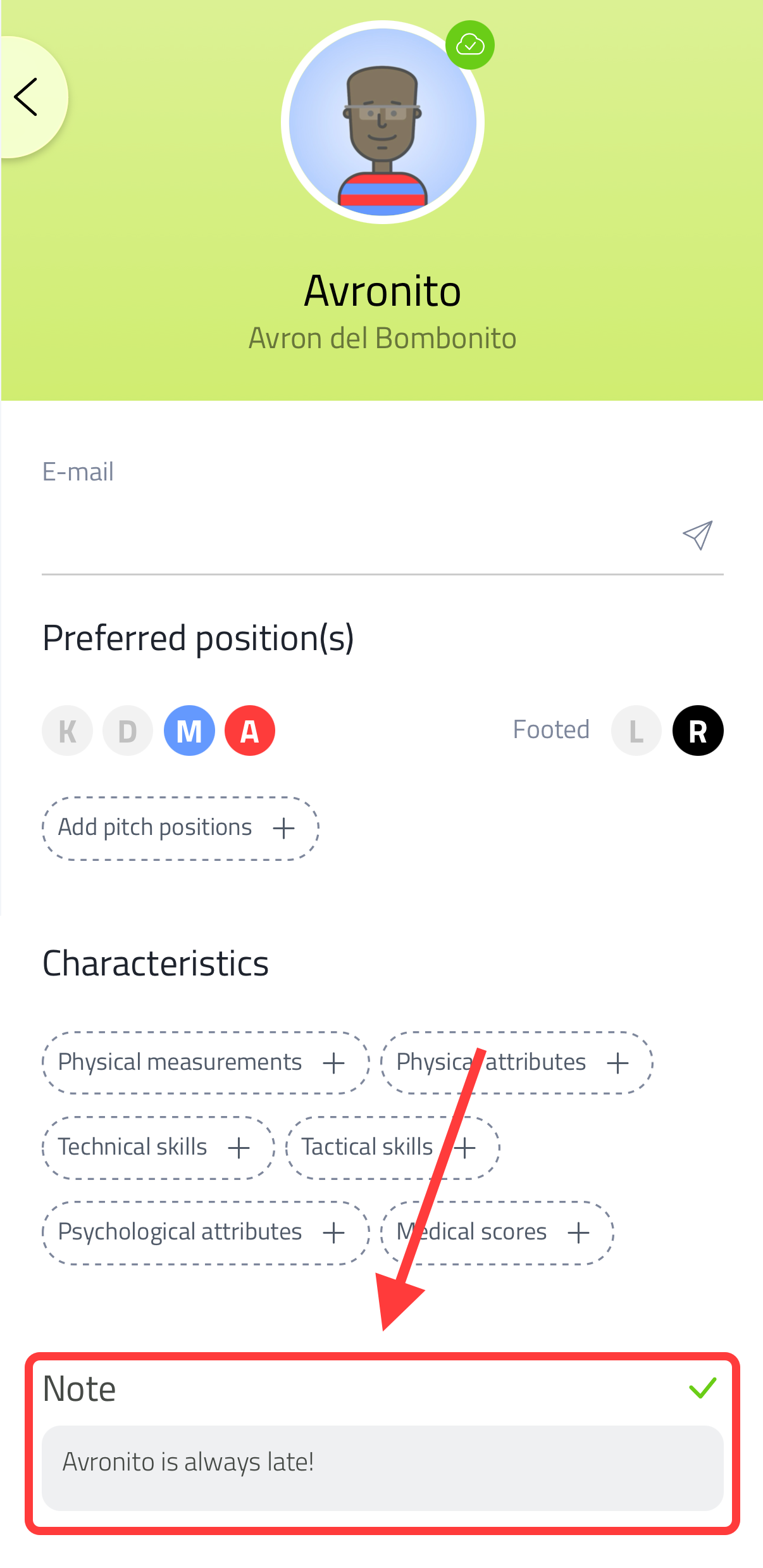
Go to Players and tap a player to open their profile. Scroll down to the Note field, write your note, and confirm with the green checkmark. This note stays attached to the player and is visible whenever you open their profile - handy for things like medical information, contact details or other reminders.
Notes on a match
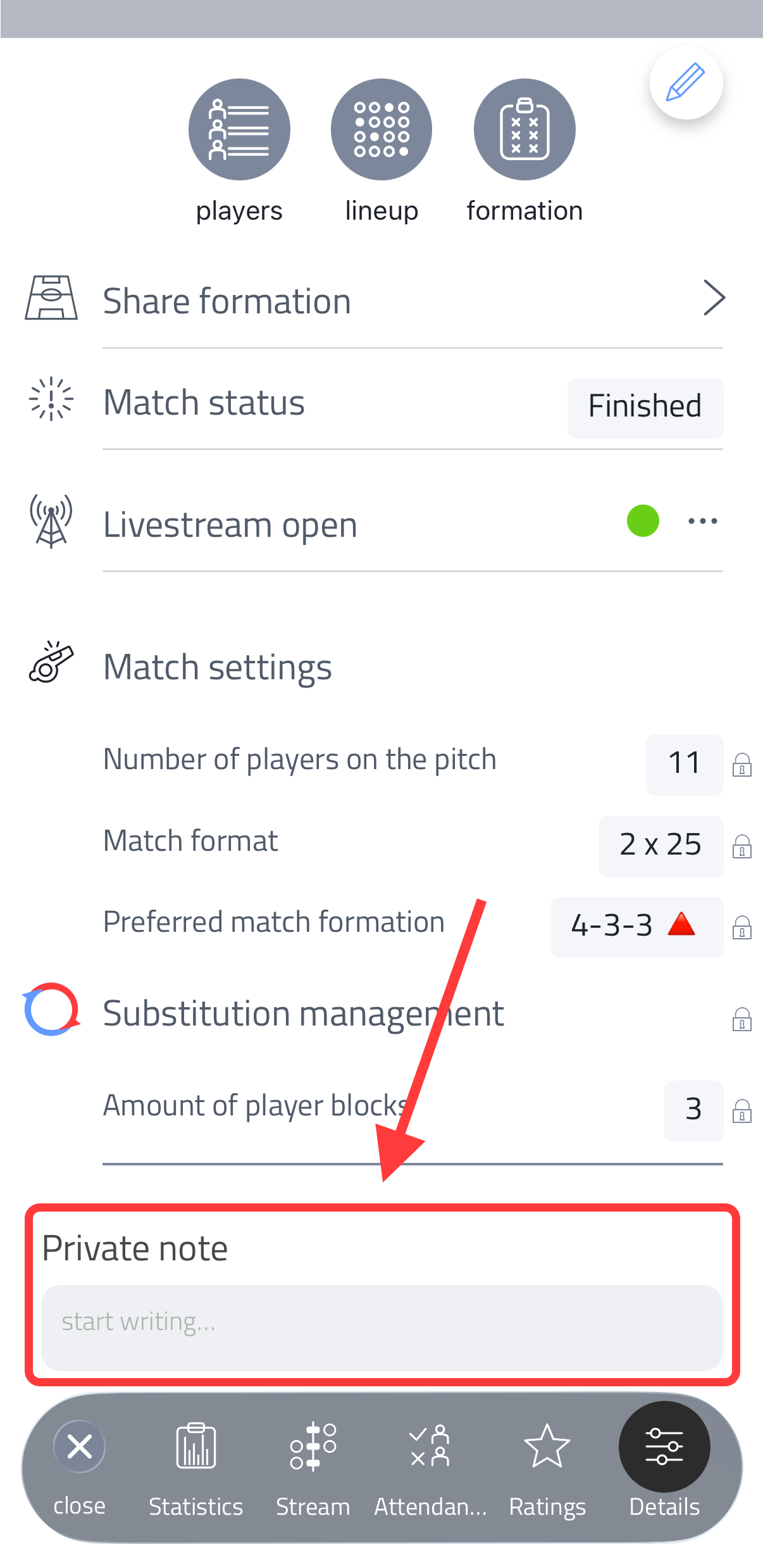
At the bottom of a match's Setup tab (or the Details tab for a played match), you can add a private note about the match. This note is only visible to you. See Setting Up a Match.
Notes on a player for a specific match
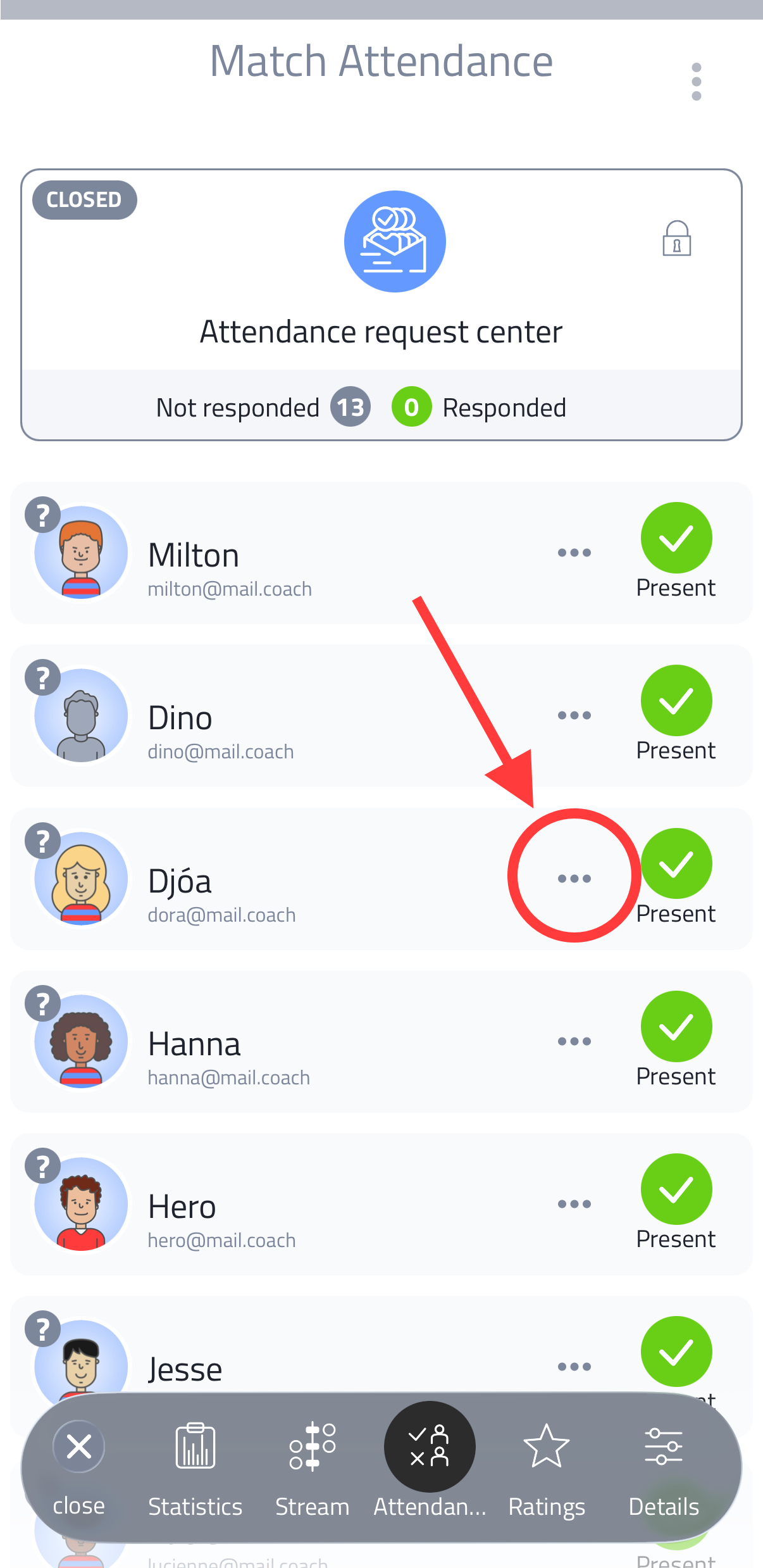
From a match's Attendance list, tap on the three dots at a player to open their attendance status. Besides setting their status (present, absent, injured and so on), you can write a custom note about that player for this match - for example a reason for their absence, but also any other observation you want to remember about them for this match. See Setting Up a Match.
All notes you add to a player - from their profile, from a match attendance list, or from anywhere in Coach Amigo - are visible on that player's profile in The Clubhouse. This gives club staff a complete overview of everything coaches have observed about a player across all teams and sessions.