Player Collections: Creating and Using Them
A player collection is a custom group of players that you can use as a filter in statistics. Your current team selection is designed to make your day-to-day work - like setting up matches - as easy as possible. A player collection, on the other hand, is entirely up to you: group players however you like, for example by position or age group, to compare their stats over time.
A collection can also represent a previous team selection. Build a collection that matches your squad from an earlier season, then link it to the corresponding period so that period's statistics always reflect the players who were actually on the team at the time.
Accessing player collections
Go to team > Setup and tap Player collections.
Creating a collection
- Tap the + button in the top right
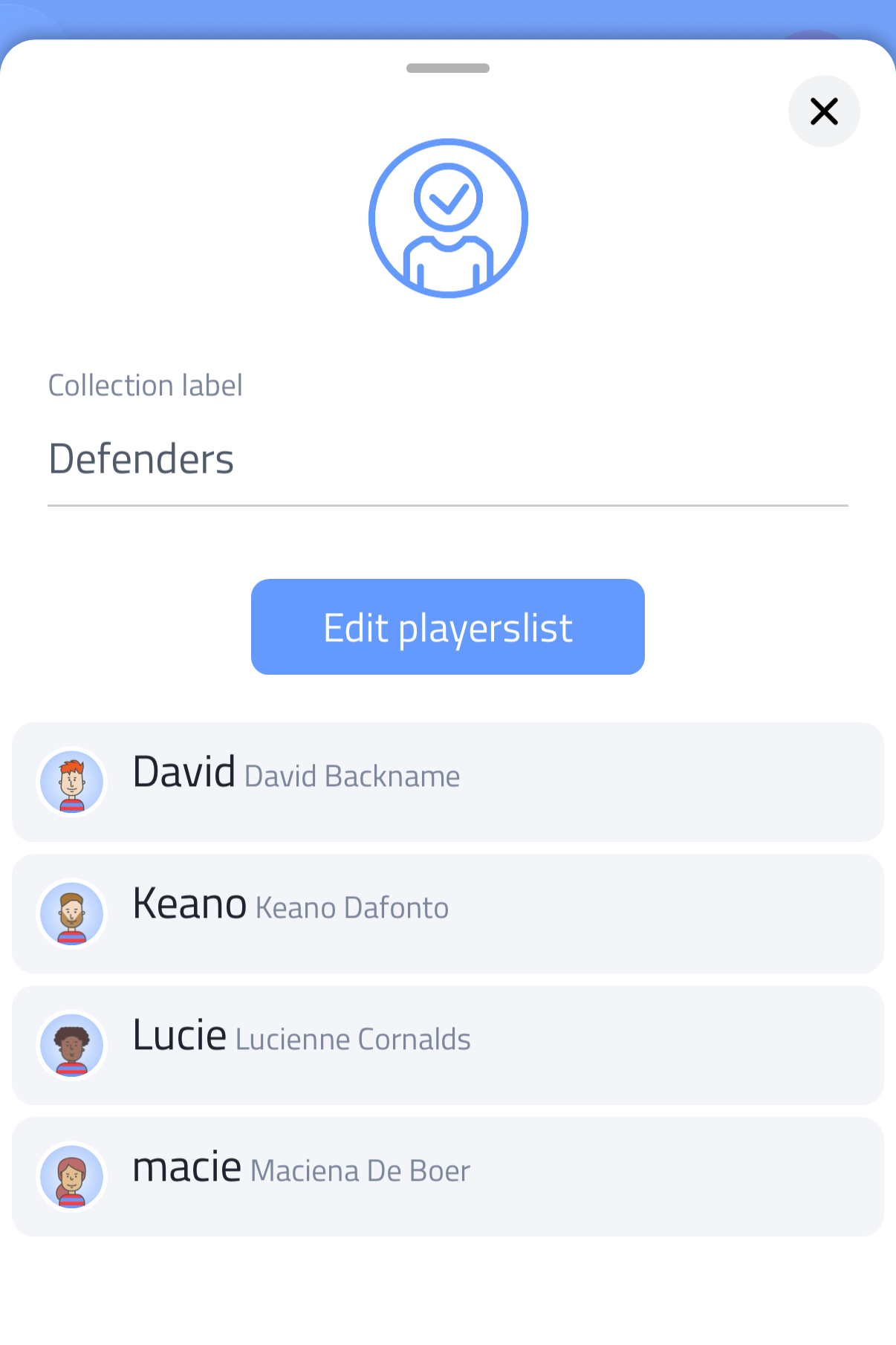
- Give the collection a name under Collection label
- Tap Edit playerslist
- Tap players to add them to the collection (a green checkmark appears next to each selected player)
- Confirm with the green checkmark
Managing a collection
Tap an existing collection to open it. From here you can:
- Change its name
- Tap Edit playerslist to add or remove players
- View the list of players currently in the collection
- Tap Delete collection to remove it
Using a collection in statistics
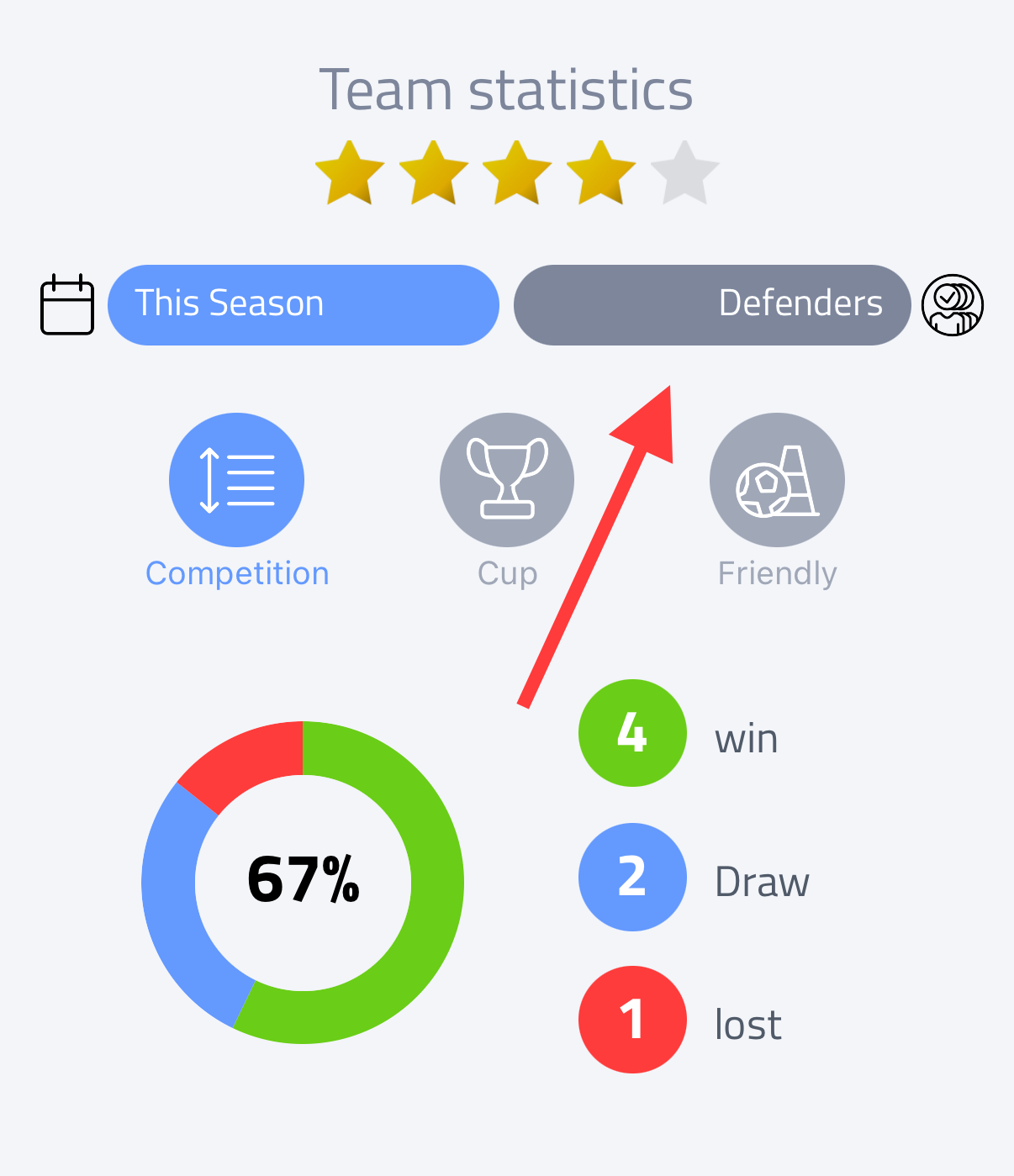
Once created, your collections are available as a filter in statistics, alongside your current team selection.
Linking a collection to a period
When creating or editing a period, you can link a player collection to it instead of using your current team selection. This is especially useful for past seasons: link a collection that matches your squad from that time, so the statistics for that period automatically show the right players.