Sharing a Team
You can share a team with other coaches so they can access the same team data, enter match events, and view statistics. This is useful when you work with an assistant coach or co-trainer.
How to share
- Go to Team and tap the Sharing tab
- Enter the email address of the person you want to invite
- Tap Share
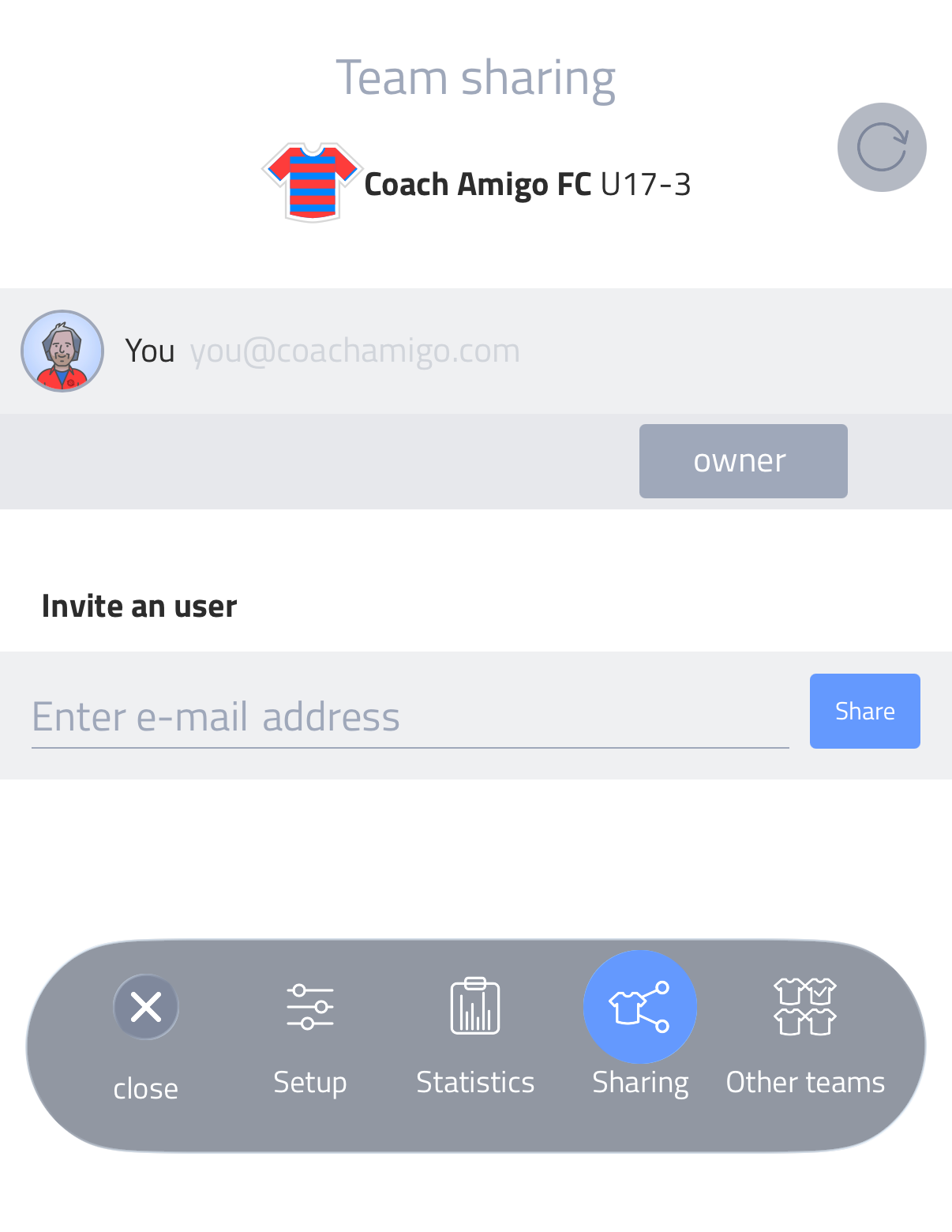
They receive an email invitation. If they already have an Amigo account, they appear in the sharing list straight away with a Pending status until they accept. Once accepted, the team appears in their app.
If they don't have an account yet, they can create one and start collaborating immediately.
Roles
When sharing a team, you assign a role to the invited person:
Assistant — can prepare and play matches, but cannot change team settings or create players.
Manager — has almost the same access as the owner. Can create players, change team settings and manage the team.
You can change someone's role at any time, even before they have accepted the invitation. The team owner always retains ownership of the team.
Removing a shared coach
Tap the red X next to a shared coach in the Sharing tab to revoke their access. They will lose access to the team but keep their own account and any other teams they manage.