Importing Matches via Calendar Link (KNVB)
This feature is only available for teams affiliated with the KNVB (Voetbal.nl). If your team uses a different football association, the Add Calendar option will not be visible in the app.
If your team plays in competitions organised via Voetbal.nl (KNVB), you can use a calendar link to automatically load your full match schedule into Coach Amigo - no need to add matches one by one.
Where to find your calendar link
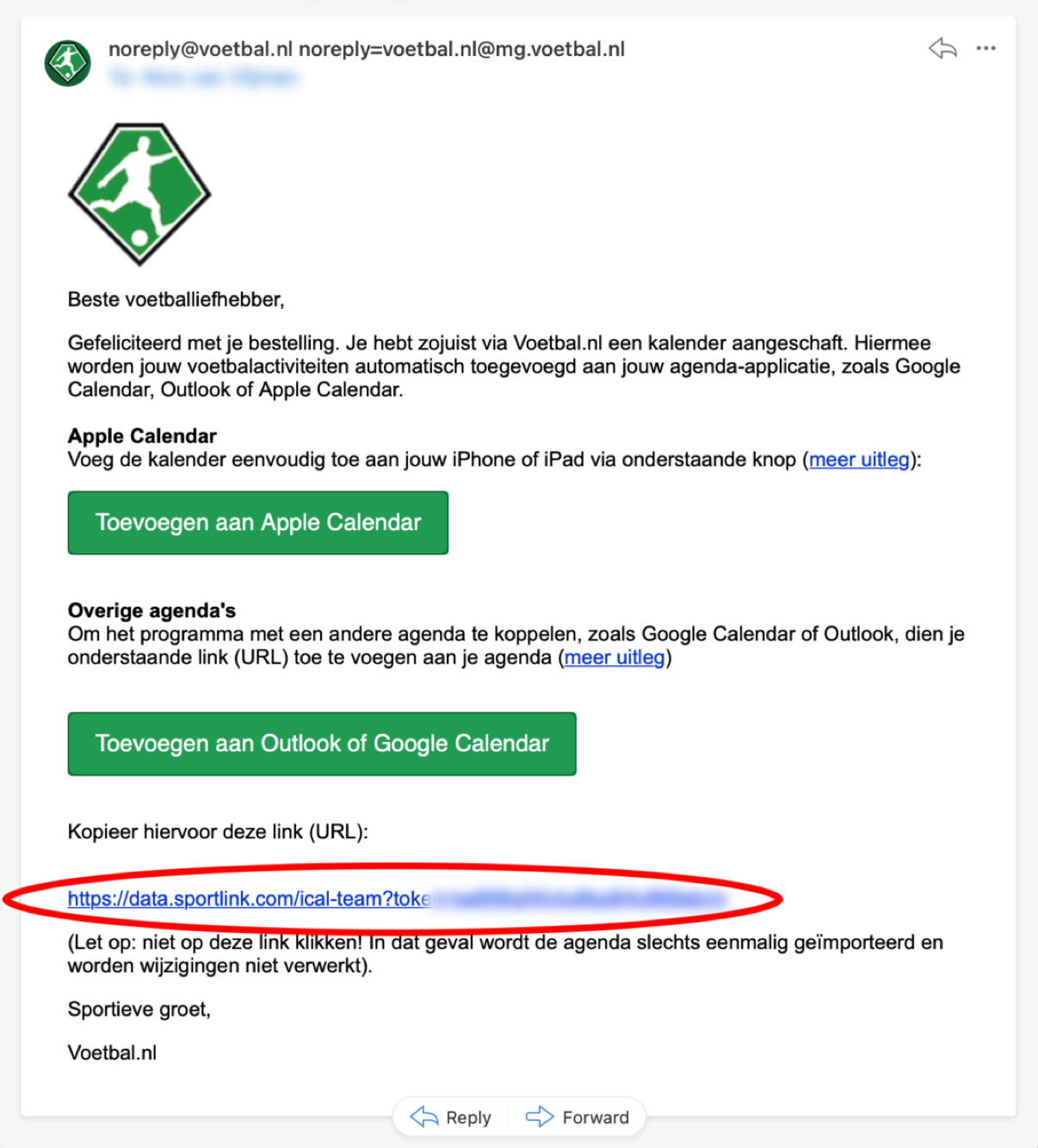
After purchasing the team calendar in the Voetbal.nl app, you'll receive an email containing your calendar link. Make sure it's the team calendar, not a personal one - check this on the team details screen in the Voetbal.nl app. The link looks like:
https://data.sportlink.com/ical-team?token=...
Adding the calendar link
- Make sure the period you want these matches in is active
- Go to Matches
- Tap Add Calendar in the top left
- Tap the + button, paste your calendar link under Linkage url, and confirm
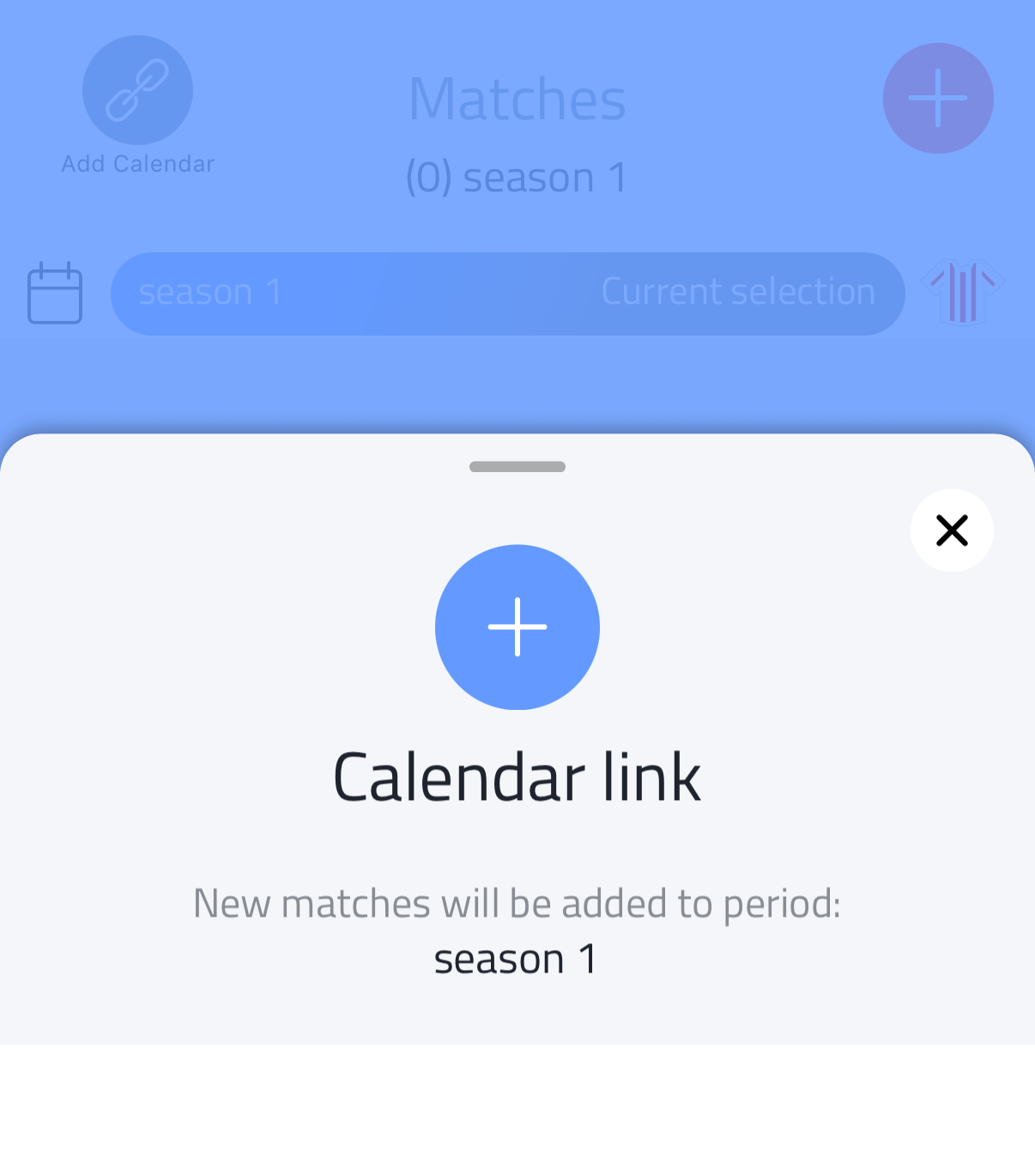
All matches from your KNVB schedule are imported into the active period.
The Calendar link card shows which period new matches will be added to. Make sure the right period is active before adding the link - for example when starting a new season.
Keeping your schedule up to date
Once a calendar link is added, the icon in the top left changes to Update Calendar. Tap it to open the Calendar link card again, which now shows the number of updated, added and total matches.
Tap Synchronize match-calendar to check the KNVB schedule for changes and update your matches accordingly.